Spot my biggest time-waster

AI classes for business owners and their teams, in person or online

Bring a real job from your week. Leave with it done, and a way to do it again on Monday.

  • Small groupsso everyone works on their own business
  • In person or onlineAcross Eastern Idaho, or on video
  • Your own workemails, quotes, posts and plans

Learn it in the room. Use it on Monday.

Most people who pay for an AI tool open it a few times, then forget the login. Nobody showed them what to give it. My classes fix that part.

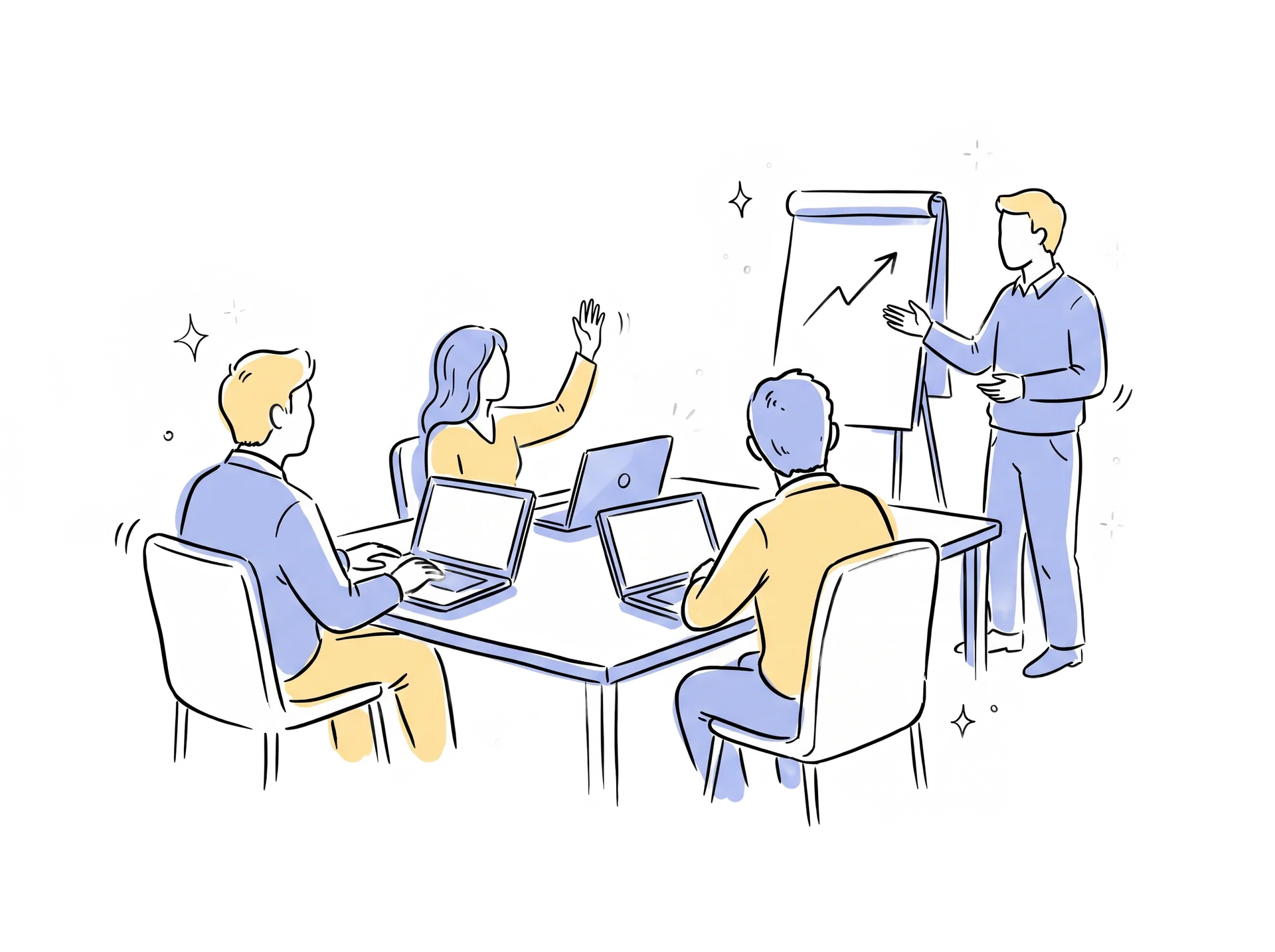
You don't sit through slides about the future of technology. You sit at a table with your laptop and a job you need done this week. I show you how to hand it to the tool and check what comes back. Then we save the steps, so next time it takes five minutes.

The tool is the easy bit. The useful skill is knowing which jobs to give it, how to ask, and when to do it yourself. That's what you take home.

Who comes to these

Owners who run the business and do the books at night. Office managers who write every email. Small teams in law, accounting, insurance, trades and retail. They keep hearing about AI and haven't had time to sit down with it. Classes stay small so I can get to every person's work.

Three ways to learn it

Start with the seminar if you're new. Go to a workshop when you're ready to hand off bigger jobs, or bring the training to your team.

AI Kickstart Seminar

Live group class, in Eastern Idaho or online

For solo owners and people starting out. You set AI up as an assistant for the jobs that eat your evenings: email, writing, planning and marketing.

  • Setting up a free account and the settings to change first
  • Ways of asking that work on real tasks, using your own examples
  • Which tools are worth paying for, and which aren't
  • A short plan to keep using it after the class

Best for Owners who have never used AI, or tried it and stopped

Claude Cowork Workshop

Half day, small group or your team

Hands-on with Claude Cowork. It's a desktop app that works through a task in your files and folders while you do something else. You bring a real job and hand it off before you leave.

  • Setting it up on your own computer
  • Handing off one real task from your week
  • Turning a one-off task into steps you can repeat
  • Knowing when and how to check its work

Best for Owners who already use AI and want it to do more of the work

Team workshop

Half or full day, at your office or online

AI training for your employees, built around how your team works. Everyone practises on real documents and situations from your business, in their own role.

  • Exercises for each role, using your own work
  • Ways of asking that everyone on the team can use
  • Simple ground rules: what never goes into an AI tool
  • A shared list of the first jobs to hand off

Best for Teams of 2 or more who want everyone on the same page

How a class runs

Every class follows the same simple pattern, whatever the tool.

  1. Hands at a class table: one person typing, one writing a to-do list on a sticky note

    1. Write down your week

    We start with a list of the jobs you do every week and how long each takes. The list surprises most people. Answering the same five customer questions. Rewriting a quote from last month. Turning notes into a schedule.

  2. 2. Pick one job and hand it off

    You choose one and we do it together, live, on your laptop. You see how to explain the job, what to include, and what to leave out.

  3. 3. Check the work

    AI makes mistakes, and it says them with confidence. You learn the quick checks: facts, names, numbers and tone. Nothing goes to a customer that you haven't read.

  4. 4. Save it for next time

    The steps get saved as a short template, so next week the same job takes a few minutes. Then you pick the next job on your list.

AI training for employees, without the guesswork

When an owner learns AI alone, the team usually doesn't follow.

  • Some people use it in secret.
  • Some refuse to touch it.
  • Nobody knows what went into which tool.

A team workshop gets everyone using the same tools in the same way. First I learn how work moves through your office. Who answers the phone, who writes the quotes, who chases payments. Then I build the exercises from those jobs.

We also write your ground rules together, in plain English. What's fine to use AI for. What stays out of it, like customer financial details or anything private. Who checks the work before it leaves the building. One page your team will follow.

Your team leaves with the first jobs already handed off, and a shared list of what to try next. If you'd like help after that, weekly check-ins are part of Guidance.

Steven Driggs crouching beside a class member to help at her laptop

"I've seen too many people pay for AI tools and never use them. The difference isn't the tool. It's whether someone shows you how."

Steven Driggs

Book me to speak

I speak to chambers of commerce, business groups, networking groups and team retreats across Eastern Idaho. Every talk is built for the room and ends with something people can do the next day.

Steven Driggs presenting to business owners at round tables in a wood-panelled hall
  • AI for the one-person business
  • From nervous to useful: getting your team comfortable with AI
  • Choosing tools that fit, without the sales pitch

Run a group that would like a free AI Kickstart Seminar for its members? Let's talk about hosting one.

Online AI courses or a live class?

There are plenty of free AI courses and paid online courses. Coursera, edX and Udemy all carry them, and Google Cloud has free generative AI training too. DeepLearning.AI's AI for Everyone, taught by Andrew Ng, is a good free introduction to what artificial intelligence is.

Online coursesfor the background

What most online courses teachMost AI courses are for people heading into tech. They cover machine learning, deep learning and neural networks. They also teach natural language processing (NLP), computer vision and tools like TensorFlow and Hugging Face. They're the right path if you want to become an AI engineer. They won't write tomorrow's quote.

Self-pacedSelf-paced courses suit people with spare evenings. Most owners don't have those.

My classesfor the practice

What my classes teachAI skills for the work you already do. You learn generative AI tools like ChatGPT and Claude, and the large language models (LLMs) behind them, in plain words. You practise prompt engineering, which means asking in a way that gets a usable answer. You see when AI agents can take over a multi-step task. And you learn responsible AI: what never goes in, and who checks the result.

In the roomA live class gives you a fixed block of time, help when you're stuck and a job finished before you leave.

If you'd like both, take a free online course for the background and a class for the practice.

Questions about the classes

Not sure which class fits? Run the 2-minute fit check, or ask on a call. I'll tell you which one I'd pick in your shoes.

Do I need to know anything about AI before a class?

No. If you can write an email, you can do this. The Kickstart Seminar starts from zero. If you don't have an account, we set up a free one in the room.

What do I need to bring?

A laptop and one real job from your week. An email you've put off, a quote, a post or a messy list all work. We use it in class, so you leave with it done.

Which AI tools do you teach?

Whichever fits your work. Most classes use ChatGPT, Claude or Microsoft Copilot, and I'll show you when the free version is enough. I don't sell software or take commissions.

Can you train my employees at our office?

Yes. Team workshops run at your office anywhere in Eastern Idaho, or online. I build the exercises from your team's own documents and jobs, so it isn't generic.

Is it safe to put business information into these tools?

It can be, with a few simple rules. Every class covers what never goes into an AI tool and which settings to change. You also learn to check the answer before a customer sees it.

How much do classes cost?

Seminar seats and team workshops are priced on the call, based on group size and length. Ask, and I'll tell you before you commit to anything.

Tell me about your week

Four quick taps, then I'll send you a time for a 20-minute call.

What eats most of your week?
Who is it for?
How should we meet?
When do you want to start?

Step 1 of 2

A shop owner talking through her week with Steven at her office desk

"Tell me how your week runs. If I can't help, I'll say so."

Steven Driggs, Starlene Consulting